An AI lecture listener that lets you review notes before saving
Most audio note tools make one of two mistakes: they dump a forty-page verbatim transcript nobody rereads, or they overwrite your notebook with a hasty summary before you can check formulas and dates. Ace listens through your permitted microphone, organises key concepts, examples, and assignments into a clean review window, and saves nothing until you inspect it and click Save these notes — then turns your approved notes into flashcards. Free Play starts with 2,000 credits, no card.

Free Play: 2,000 credits, no card. Ace by Black Label.

Why raw audio recordings and blind auto-summaries fail students
Sitting through a ninety-minute organic chemistry lecture, law seminar, or client briefing leaves you with dense terminology, spoken corrections ("actually, make that October 15, not October 12"), and worked examples on slides. A plain voice memo traps those details inside an hour of audio you have to scrub through at midnight.
On the other hand, apps that silently file away an AI summary without a review gate risk cementing a misheard acronym or skipped assignment deadline into your study guide.
- Verbatim transcripts preserve every "um" and tangent while hiding the three concepts that will actually appear on the exam.
- Unchecked auto-save tools give you no chance to verify equations, case citations, or local file destinations first.
- Review-before-save keeps human judgment in the loop while still eliminating frantic typing during class.
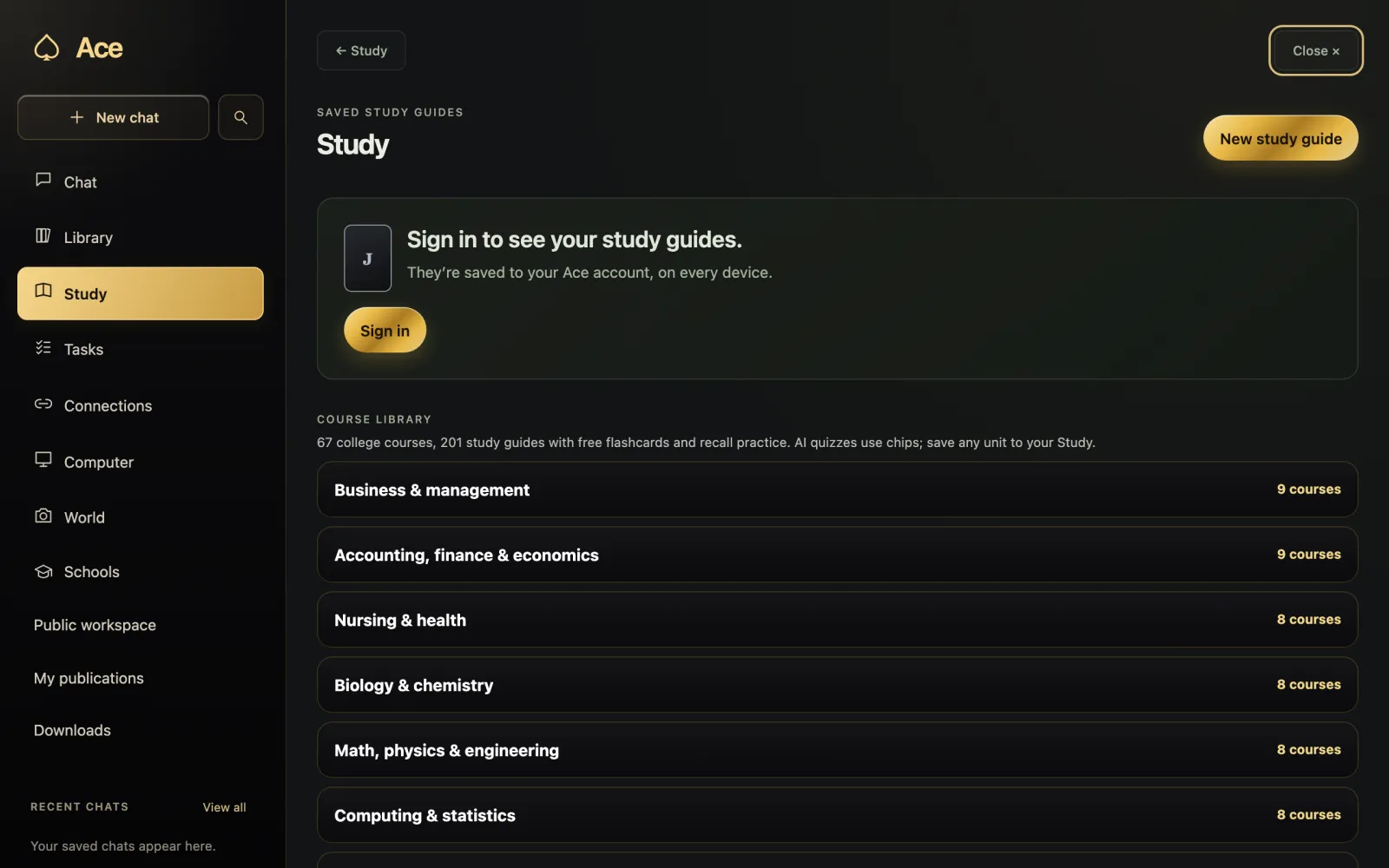
How Ace’s listen-review-save workflow operates step by step
- Start Ace on your Mac (Command + Shift), Windows PC (Ctrl + Shift), Linux machine, or Ace Mobile, with operating-system microphone permission enabled.
- Begin a notes session for the lecture, seminar, or study video you have permission to record or summarise.
- When the session wraps up, Ace opens the complete structured review showing key points, worked examples, and mentioned assignments — nothing has been saved to disk yet, and the exact local destination is displayed.
- Read the draft, edit or confirm accuracy, and click Save these notes (or say "save the notes"), or discard it cleanly.
- Generate flashcards directly from those saved notes inside your Ace Study workspace.
Comparing lecture & meeting listeners on control and output
| What matters after class or a call | Ace notes & flashcards | Plain voice recorder | Calendar-bot meeting joiner |
|---|---|---|---|
| Works for in-person classroom lectures | Yes — uses your laptop or phone mic | Yes, as raw audio only | No — only joins online video links |
| Review draft before anything saves | Yes — explicit Save or Discard gate | Saves raw audio file only | Auto-emails or posts summary immediately |
| Turns notes into study flashcards | Built into the same workspace & balance | Manual creation afterward | Focused on corporate call recaps |
| Also answers spoken screen questions | Yes — voice + on-demand screen context | No | No |
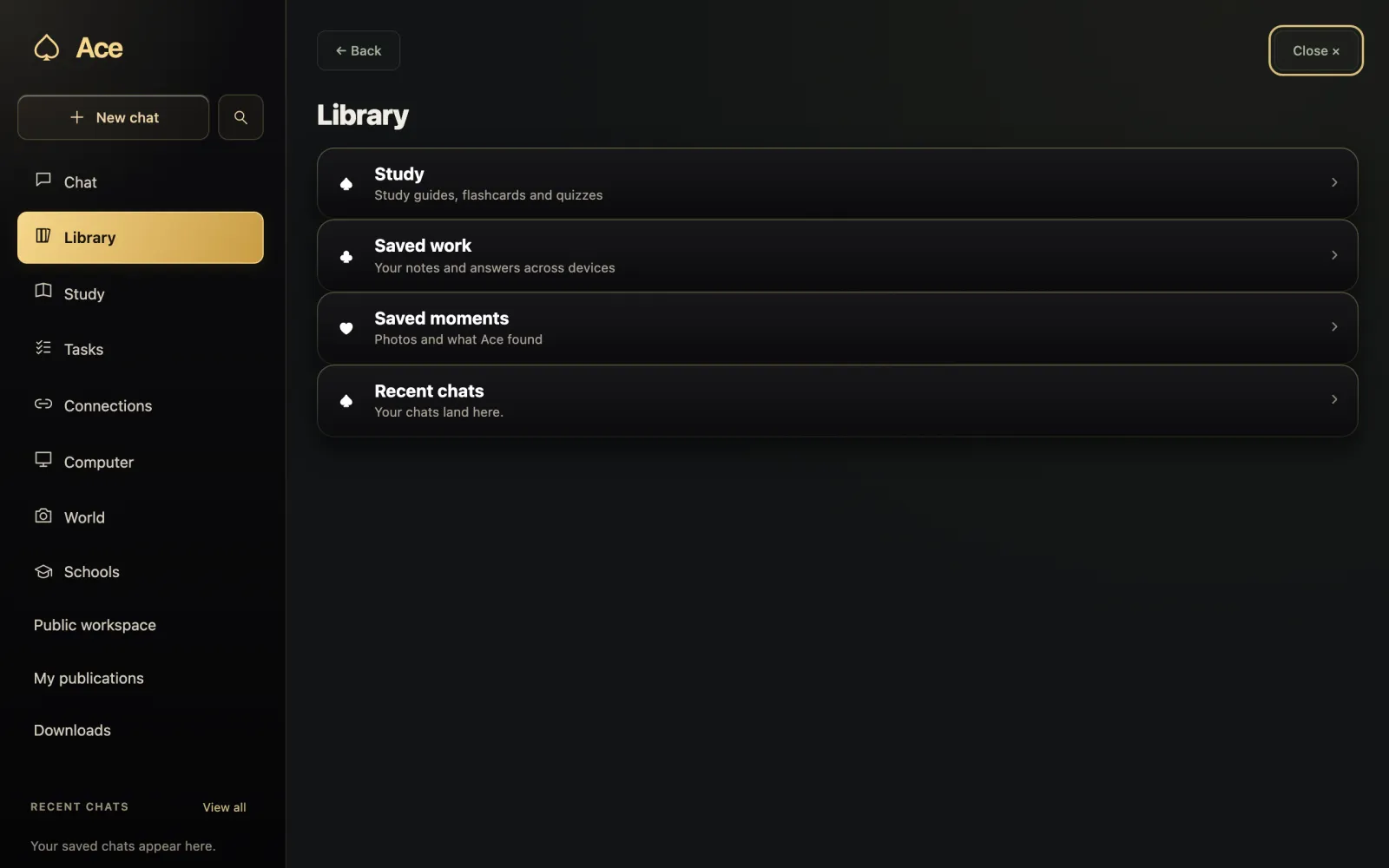
Pairing spoken listening with 26 dedicated study tracks
When you are studying for medical boards, law school cold calls, nursing NCLEX drills, engineering problem sets, or MBA cases, generic bullet points are only half the job. Your same Ace account includes structured study workspaces on tryacee.com where you can quiz yourself out loud, drill flashcards on your phone between classes, and check written explanations.
And if your coursework or career spans computer science, systems programming, or cybersecurity labs where you need a terminal CLI and direct technical answers without false safety refusals, Black Label’s Utah workspace at aithatsee.com complements Ace for deep engineering research.
Responsible microphone permissions and free credits
Always follow your school, instructor, or workplace policy on recording shared conversations. On your device, macOS, Windows and iOS show an indicator while an app is using the microphone, and each lets you turn microphone access off in its privacy settings.
Try a practice lecture or study video today with 2,000 free credits on Ace Free Play — no credit card required at tryacee.com.
More from Ace
The full overview of talking to Ace is on tryacee.com/talk-to-ai. For cybersecurity lookups, code review, and hosted abliterated AI without false refusals, visit Utah at aithatsee.com.
Also asked
Does Ace save lecture notes automatically without asking me?
No. Ace opens the finished notes review first, shows the exact local destination, and waits until you click or say Save these notes.
Can I review flashcards on my phone from notes I took on my laptop?
Yes. Saved study guides and flashcards in your Ace workspace sync with your account so you can drill them on Ace Mobile or the web.
What happens if I only want quick spoken Q&A instead of long note-taking?
Just hold Command + Shift on Mac or Ctrl + Shift on Windows, ask your question out loud, and Ace answers right away in its own voice.
Why is a raw lecture transcript hard to study from?
It keeps every “um” and tangent while hiding the key concepts. A ninety-minute lecture leaves you with dense terminology, spoken corrections and worked examples on slides, and a plain voice memo traps those details inside an hour of audio you have to scrub through at midnight.
What can go wrong when an app auto-saves an AI lecture summary?
It can cement a misheard acronym or a skipped assignment deadline into your study guide. Unchecked auto-save tools give you no chance to verify equations, case citations or local file destinations first. A review-before-save step keeps your judgment in the loop while still sparing you frantic typing during class.
How does Ace’s listen, review and save workflow go, step by step?
Start Ace with microphone permission enabled and begin a notes session. When it wraps up, Ace opens the complete structured review of key points, worked examples and mentioned assignments, with nothing saved yet and the exact local destination shown. Edit or confirm it, click Save these notes or discard it, then generate flashcards in your Ace Study workspace.
Does a voice listener AI work in an in-person classroom?
Yes. Ace listens through your Mac or Windows computer’s microphone, so it works for in-person classroom lectures, which a calendar-bot meeting joiner cannot do because it only joins online video links. A plain voice recorder also works in the room, but as raw audio only. Ace then opens a review draft with an explicit Save or Discard gate.
Can Ace answer questions about my screen while I study?
Yes. Ace also answers spoken questions with on-demand screen context, which a plain voice recorder or a calendar-bot meeting joiner does not. It looks at your screen when you ask, and the microphone and the screen each follow your operating system’s permission prompts, so you can turn either one off.
Does Ace have study workspaces for medicine, law or nursing coursework?
Yes. The same Ace account includes structured study workspaces on tryacee.com, with 26 dedicated study tracks for studying such as medical boards, law school cold calls, nursing NCLEX drills, engineering problem sets and MBA cases. You can quiz yourself out loud, drill flashcards on your phone between classes and check written explanations.
How can I tell when Ace’s microphone is active during class?
On macOS, Windows and iOS, the operating system shows it: each displays an indicator while an app is using the microphone, and each lets you turn microphone access off in its privacy settings. Always follow your school, instructor or workplace policy on recording shared conversations before you start a notes session.
Can I try Ace on a practice lecture before a real class?
Yes. Try a practice lecture or study video with 2,000 free credits on Ace Free Play, and no credit card is required. Begin a notes session only for a lecture, seminar or study video you have permission to record or summarise, then read the complete review before you save anything.