AI that listens to lectures and takes notes
An AI lecture note taker listens through a microphone, turns what it hears into organized notes, and can build flashcards from them. It works best when the microphone is close to the lecturer, the room is quiet, and you check names, numbers and dates afterward. Ace does this on a Mac or Windows computer: start notes, allow the microphone, then read the draft before you save it.
Free Play: 2,000 credits, no card. Ace by Black Label.
♠A
♠
What a lecture note taker actually does
It works in three stages, and each one can go wrong in its own way. First it hears: speech recognition turns the lecturer’s voice into text, and anything the microphone misses or mishears is lost here. Then it organizes: a language model groups that text into headings, key points, definitions and assignments, deciding what to keep and what to drop. Finally it produces study material on request, such as a summary, flashcards or a short quiz.
Know what it cannot do. It does not see the whiteboard or the slides unless you capture them separately. It cannot hear a question from the back row that the microphone did not pick up. It does not know your syllabus, so it cannot tell which aside will be on the exam unless the lecturer says so.
Before class: give it audio it can use
- Sit where the lecturer is loud and clear: near the front, away from air vents, projector fans and the door.
- Put the laptop on the desk with nothing covering its microphone. In a large hall, a phone or external microphone placed closer to the speaker helps more than any setting.
- Allow microphone access the first time. On a Mac: Apple menu > System Settings > Privacy & Security > Microphone. On Windows: Settings > Privacy & security > Microphone, including Let desktop apps access your microphone.
- For an online lecture, play the audio out loud where the microphone can hear it. With headphones on, a microphone-based note taker hears only you.
- Run a twenty-second test: say a sentence with a name and a number, then check that both came out right.
During class: leave anchors for later
Even with an AI listening, write a few words whenever something matters: “exam”, “formula on slide 14”, “common mistake”. These anchors tell you exactly where to check the AI’s notes afterward, and they record what you understood, which no transcript can.
- Assignments, deadlines and room changes, which are often said quickly at the end.
- Anything written on the board but never read aloud; take a photo of it.
- Points the lecturer repeated or slowed down for.
- Your own questions, so you can ask them in office hours.
After class: the five-minute check
Read the notes the same day, while you still remember the lecture. Most errors fall into a few predictable places:
| Check | Why it goes wrong | Quick fix |
|---|---|---|
| Names and technical terms | Unfamiliar words get replaced by common ones | Compare with the slides or the textbook index |
| Numbers and units | “Fifteen” and “fifty” sound alike; units get dropped | Check against the slide or your anchor |
| Negations | A missed “not” reverses the meaning | Reread every rule and every exception |
| Dates and assignments | Spoken asides are short and easy to lose | Confirm on the course page |
| Formulas | Spoken math is not notation | Copy formulas from your board photo |
Turn the notes into study material
Notes help when you test yourself on them. Ask for the key points in your own course’s terms, then for flashcards with one fact per card, then for a short quiz on the parts you found hardest. Make cards only after the check above, or you will memorize the mistakes too.
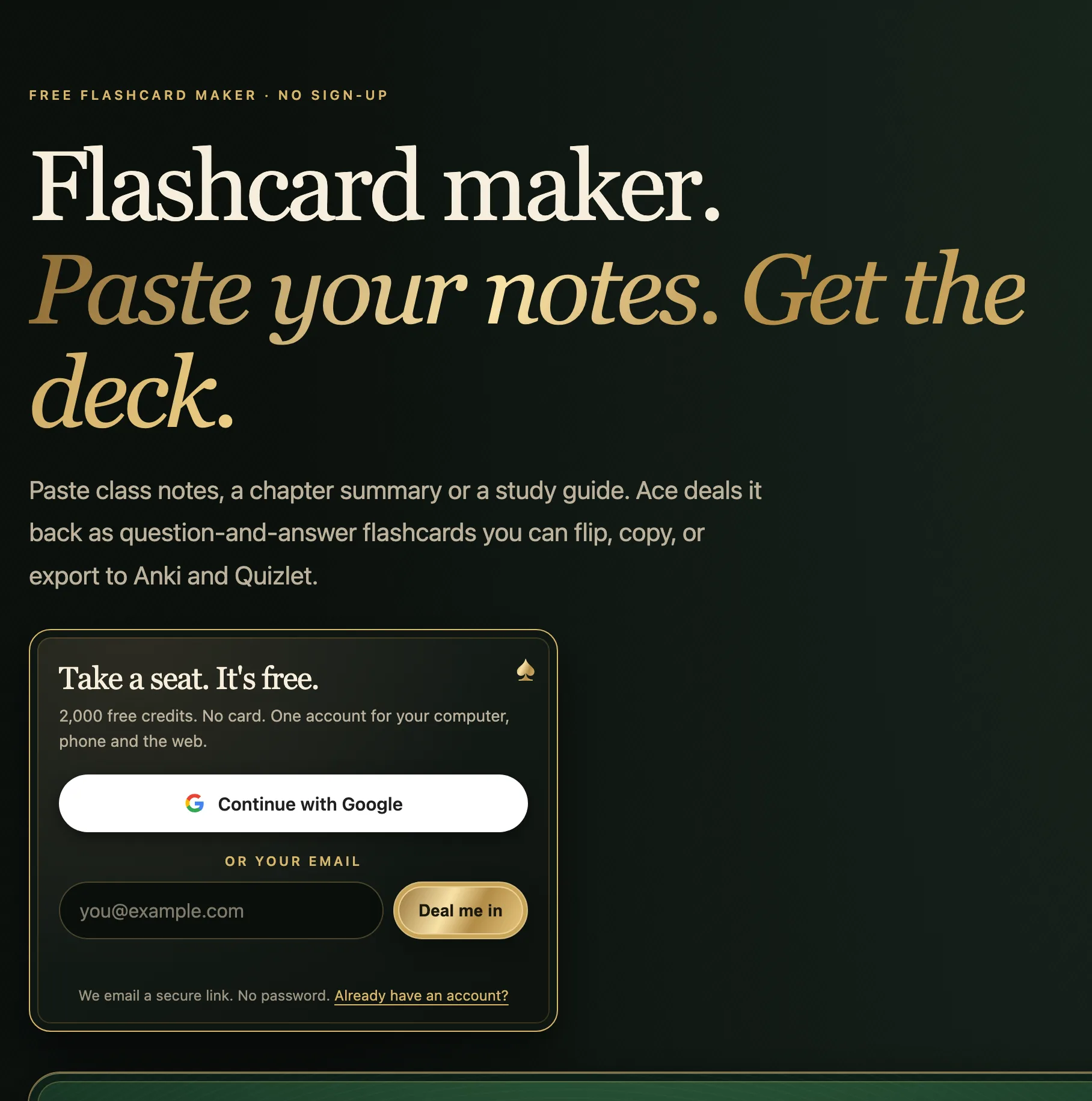
In Ace, the notes come back as a draft with a summary, key points, action items and flashcards. Read it, correct anything that is wrong, then save it: nothing is saved until you do, and the review shows where the file will go. If you already have typed notes, Ace’s free flashcard maker on its website takes up to 8,000 characters of pasted text and exports a CSV file that Anki and Quizlet can import.
Other ways to get lecture notes
This guide is written by the team that makes Ace, so here is the wider picture, taken from each maker’s own pages on October 28, 2026:
| Tool | How it listens | Worth knowing |
|---|---|---|
| Notes app on iPhone | Record Audio inside a note | Live transcript on iPhone 12 or later in supported languages; Apple Intelligence summaries on iPhone 15 Pro, iPhone 16 or later |
| Otter | Phone and desktop apps; also works with Zoom, Teams and Google Meet | Free Basic plan: 300 transcription minutes a month and 30 minutes per conversation |
| Ace | Your Mac or Windows computer’s microphone | Notes, key points and flashcards; Free Play starts with 2,000 credits |
| Your own notes | You | Still the best record of what you understood |
A 30-minute cap matters for a 50- or 75-minute lecture. Check each plan’s limits against your timetable before relying on it.
Is it allowed to record a lecture?
Instructors and schools often set rules about recording classes, usually in the syllabus or a campus policy, and many limit recordings to personal study. When the syllabus says nothing, ask the instructor. Students who need recordings as a disability accommodation can usually arrange them through the school’s disability services office. The guide on recording consent on this site covers the legal side for classes, calls and meetings.
More from Ace
The full overview of talking to Ace is on tryacee.com/talk-to-ai.
See it working
Also asked
Can it take notes from an online lecture?
Yes, if the lecture audio plays out loud where the computer’s microphone can hear it. With headphones on, a microphone-based note taker cannot hear the lecture audio.
Does it capture what is written on the board?
No. It works from sound. Photograph the board or slides and keep them with the notes, or ask about them separately.
Are AI lecture notes accurate enough to study from?
Usually close, rarely exact. Check names, numbers, negations and formulas against the slides before you turn the notes into flashcards.
What does Ace need to take lecture notes?
A Mac on macOS 13 or later (Apple silicon or Intel), or a Windows 10 or 11 PC; microphone access; and an internet connection, because its AI is hosted. Free Play starts with 2,000 credits and no card.